Google Play Store PC
Google Play is Google's digital distribution platform. On Windows, Google offers Play content through the browser and Google Play Games on PC.
52.9 MB
22608.1401.4.0 · Microsoft · Page updated
MyApps is Microsoft's app for the My Apps portal, where people with work or school accounts find and open the business apps their organisation provides.
Average 0.0 · ratings: 0
Thank you! Your rating is saved; you can change it. Could not save the rating. Please try again later. Too many ratings from your network today. Please try again tomorrow. The average appears after 5 ratings.
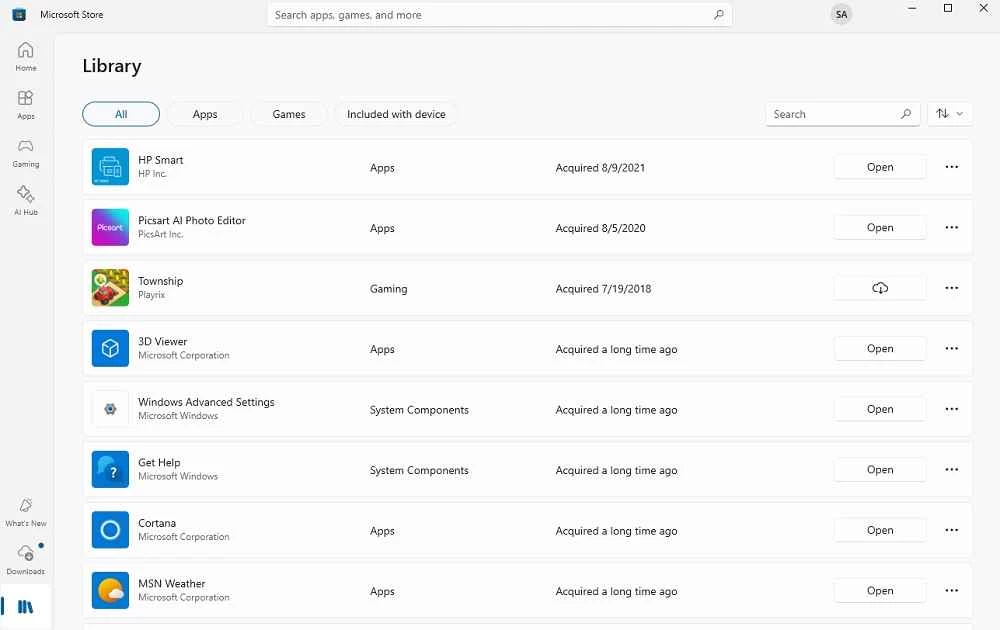
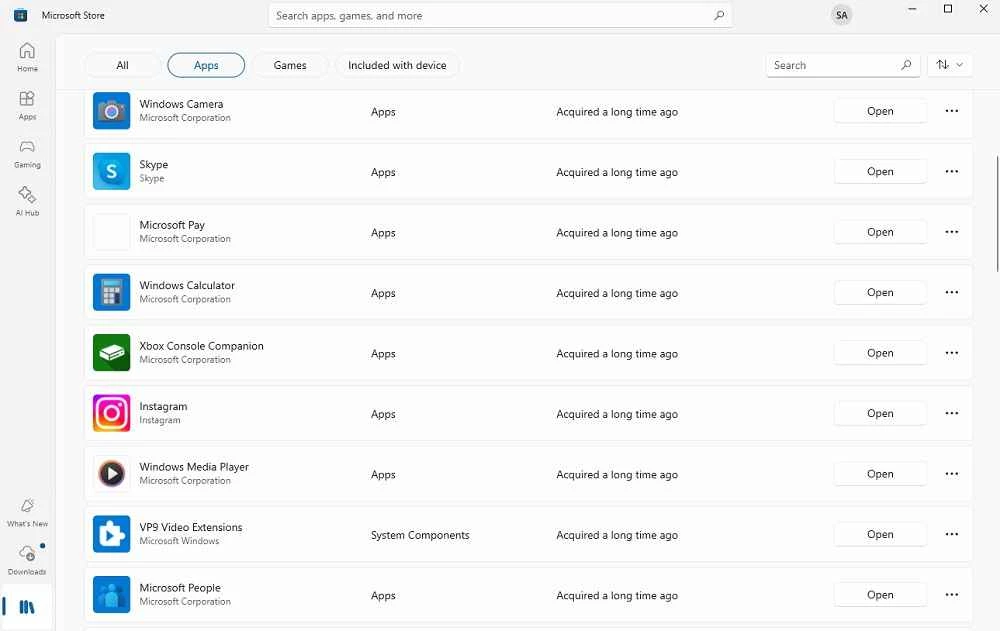
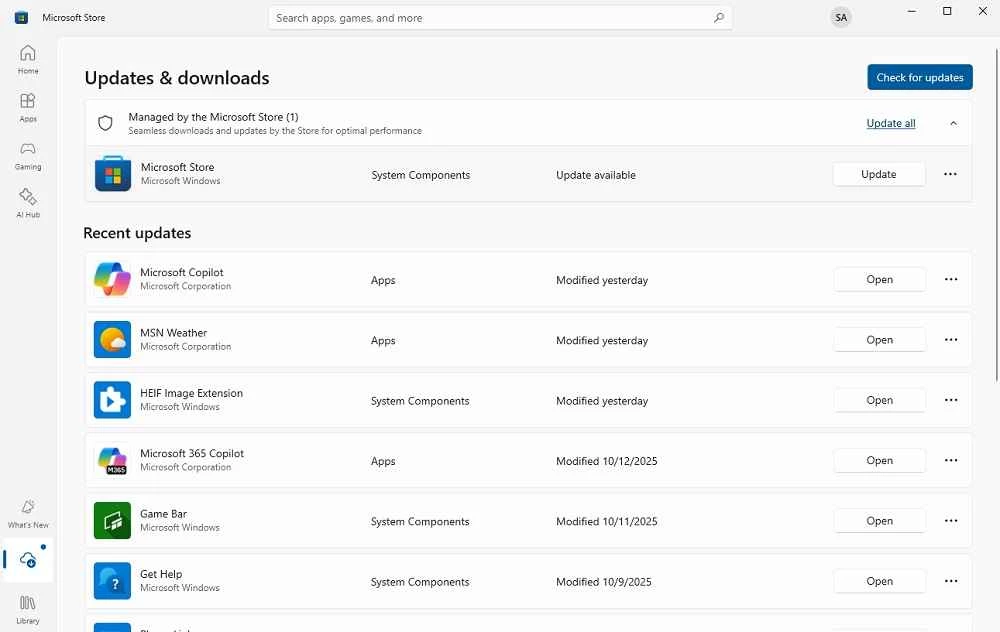
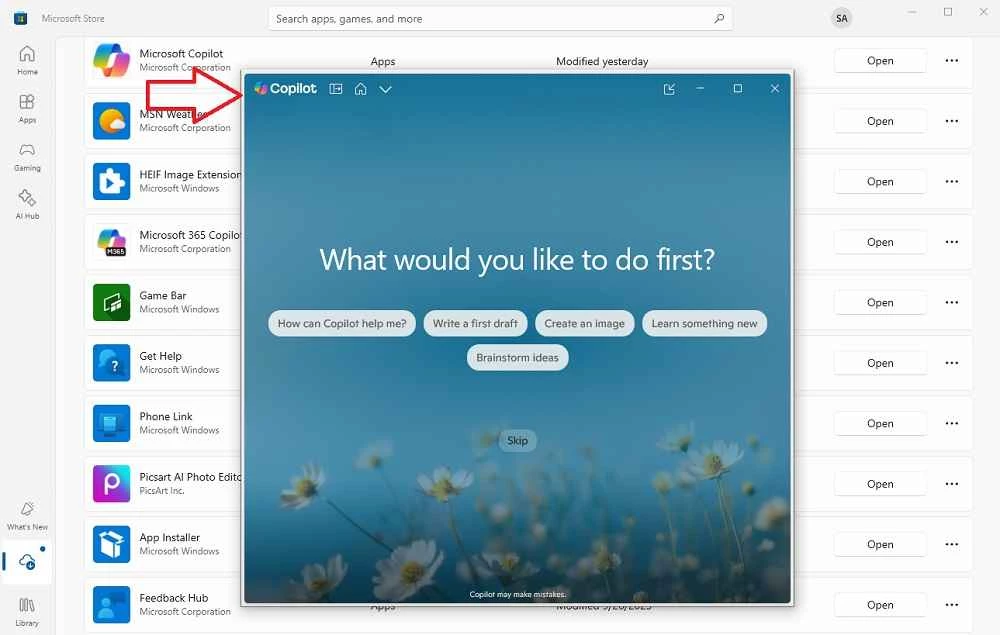
MyApps 22608.1401.4.0 is Microsoft's Windows app for My Apps, the portal where employees and students with a Microsoft Entra work or school account find and launch the applications their organisation has assigned to them. It gathers business tools, from HR systems to project software, in one place with single sign-on. The app is free, and whether you should download MyApps for Windows depends on whether your organisation uses the portal.
Large organisations often use dozens of web applications: the intranet, expense reporting, payroll, CRM, ticketing and more. Microsoft Entra ID, formerly Azure Active Directory, lets IT departments connect these applications to one company sign-in. My Apps is the user's view of that setup: a dashboard of tiles, one for each app you are allowed to use. Click a tile and you are signed in without entering a separate password. You can also request access to additional apps, manage groups you belong to and, depending on company settings, update your security information. Microsoft describes the portal in its My Apps overview.
Only if your employer, school or university uses Microsoft Entra and tells you to use My Apps. For personal Microsoft accounts it has no purpose. Many organisations simply point users to the portal in the browser; the Windows app offers the same access in its own window.
The app is about 126.98 MB according to catalogue data.
Administrators decide which apps you see, whether you can request new ones, and which security policies apply when you sign in. If an app you need is missing, ask your IT support rather than looking for workarounds.
The portal is a common target for phishing, because a stolen work password opens many doors at once. Always check the address before signing in, never approve sign-in requests you did not start, and report suspicious messages to your IT team. Install the app only from Microsoft's official channels.
Microsoft posts updates to its identity services in what's new in Microsoft Entra.
For everyday Microsoft tools, our listings include Microsoft Teams and Microsoft Outlook. Microsoft Store is where many work apps are installed on Windows.
Google Play is Google's digital distribution platform. On Windows, Google offers Play content through the browser and Google Play Games on PC.

Media Creation Tool is a free Microsoft utility that downloads Windows and turns it into a bootable USB flash drive or an ISO file.

LDPlayer is an Android emulator for Windows that runs mobile apps and games on a computer.

BlueStacks is an Android emulator for Windows that lets you run Android apps and games on your PC.
Rufus is a free Windows utility that turns a USB stick into a bootable installer. The current version is 4.15.

PC App Store is a free software store for Windows from Baidu for finding, installing and updating PC programs. This page covers version 5.0.1.8682.

Uptodown App Store for Windows is the desktop client of Uptodown, a marketplace for desktop software and mobile apps. This page covers version 1.0.3.
NoxPlayer is a free Android emulator from Bignox for Windows and macOS that runs mobile games and apps on a computer with keyboard and mouse control.